
Cost visibility
Centralize consumption information and understand how telecommunications resources are used.
Direction product
Telecommunications Management, Billing, Audit, Account Analysis and TEM
Data-driven management
CallManager combines billing, control, auditing and analysis to support decisions about fixed, mobile and data services.
Centralize consumption information and understand how telecommunications resources are used.
Automate collection, billing, credits, reports and routines that would otherwise require manual work.
Identify consumption profiles, charges and opportunities to optimize contracts and plans.
Choose editions, modules and commercial models according to your organization's structure.
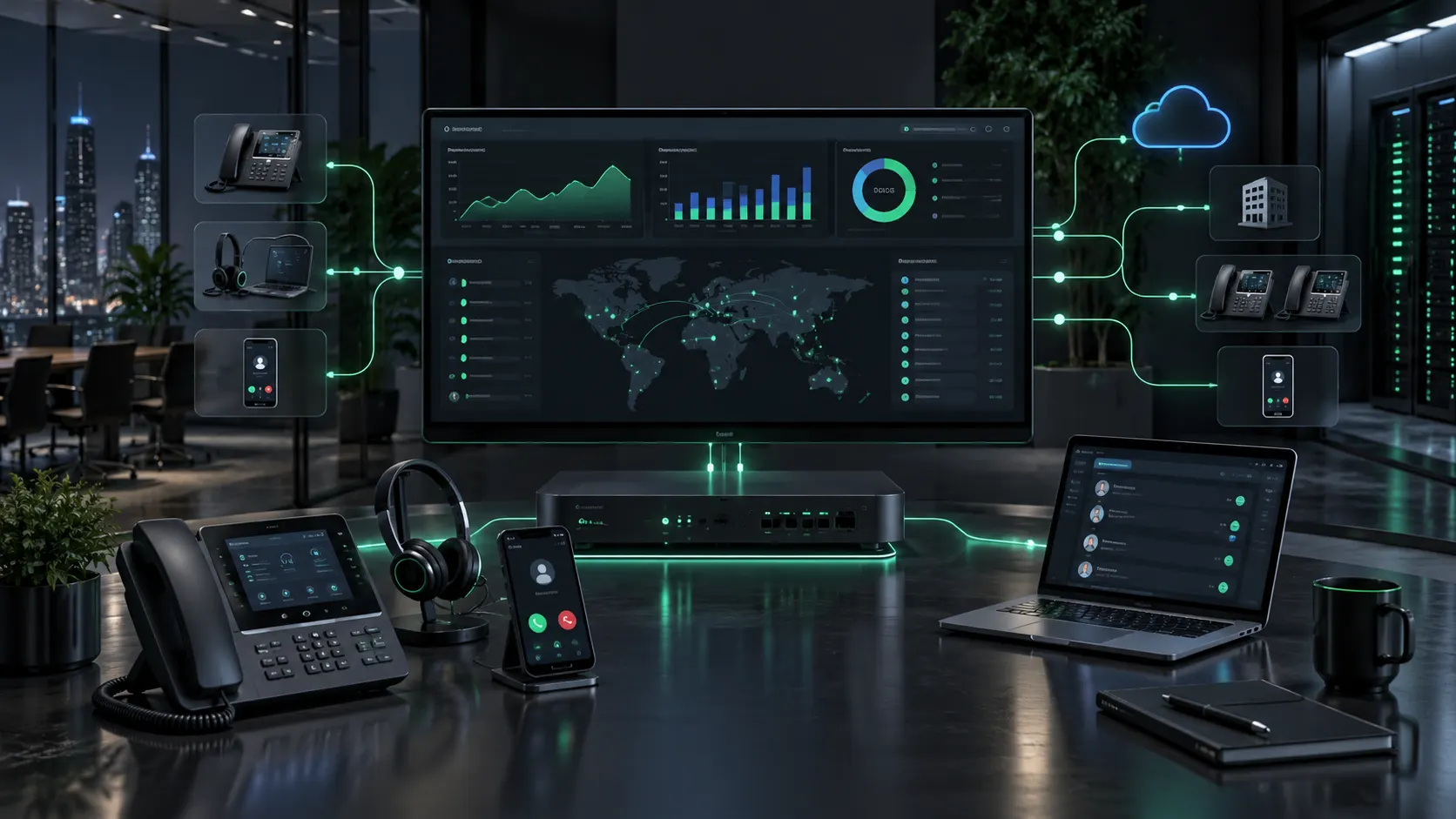
Telecommunications management goes beyond call charges. It means recognizing, analyzing and applying methodologies that positively impact the organization's telecommunications culture, with a focus on cost reduction.
The use of manual or non-computerized tools can make management a slow, laborious and ineffective process. The use of CallManager automates a large part of this process using graphic resources in a modern and easy to use interface. As a market leader, it is a complete management software that allows organizations to implement a culture of discipline and optimization in the use of telecommunications resources with a very efficient control.
More than2.000companies have proven the effectiveness of our solution and reduced their costs by up to40%
CallManager is the software developed by Direction Systems for the telecommunications management of fixed, mobile or data networks.
In addition to controlling, auditing resources and reducing costs, it ensures the identification of the consumption profile and the implementation of a culture of discipline and optimization of telephone use.
CallManager allows you to evaluate the most advantageous telephone packages and reconcile costs and expenses, working with the concept of prepaid extensions.
The Web Module allows easy access to information using the web interface.
This edition has native support for the SQL Server database and its main focus is centralized management, allowing easier management for companies with more than one location. The ease of administration of resources and the improvement in the treatment of a large volume of information are highlights in this edition.
This edition has the same characteristics as the “Enterprise Edition”, but uses SQL Server Express Edition as a database manager. It is indicated for small and medium companies or for large companies in their branches.

The Phone Call Manager is the main application in the Windows suite of CallManager. In it, the user will find all the functionality he needs for an optimized management of his telecommunications resources using a modern, rich and intuitive Windows interface.
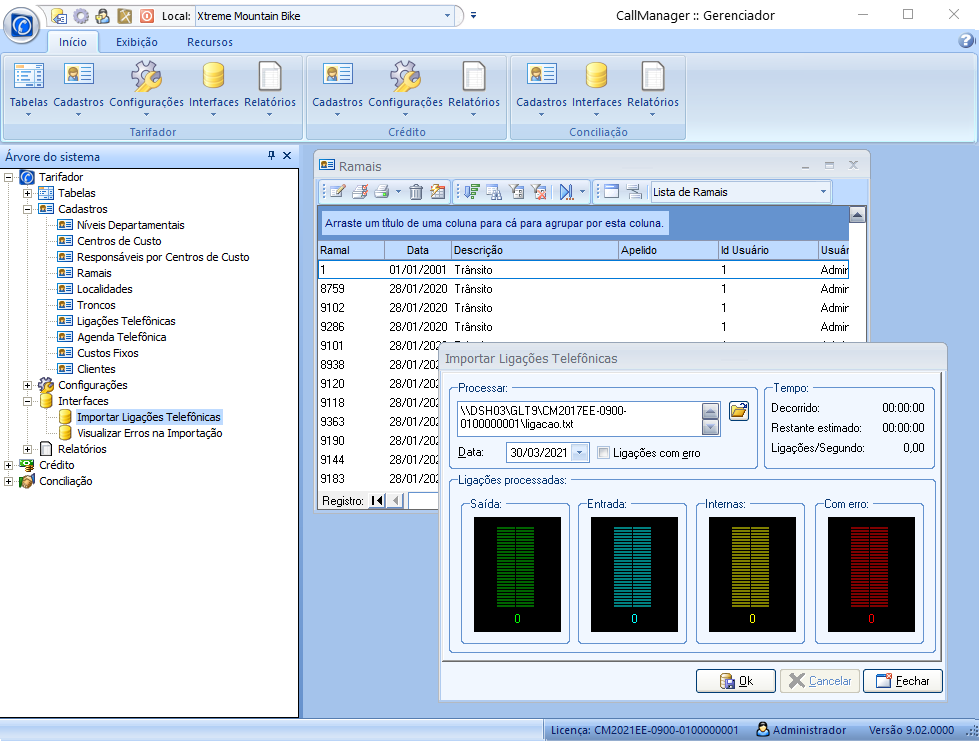

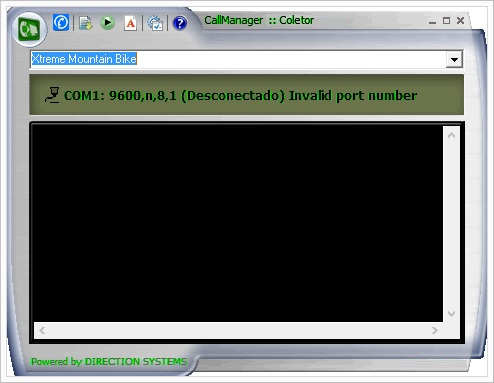
Performs centralized collection, obtaining information from the equipment's (PABX, Router, PC, NetBuffer). Supports connection via Local Network, TCP / IP, via Serial Cable and Via modem.

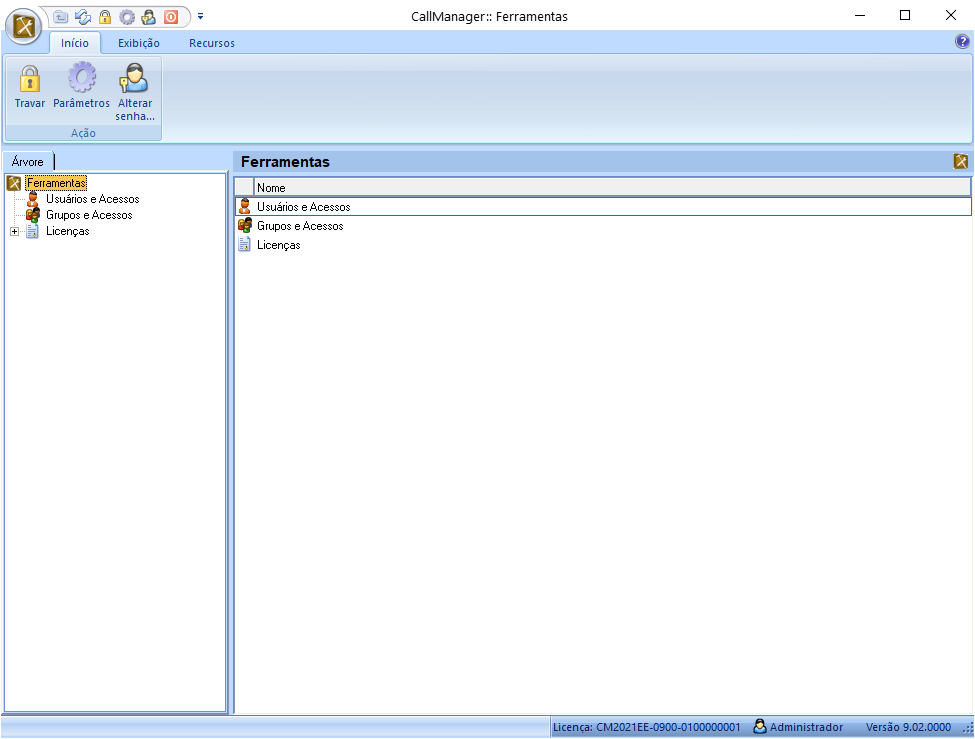
This is the suite application intended for the exclusive use of system administrators. With this application it is possible to carry out all the configurations and maintenance of the system in addition to the scheduling of scheduled tasks.

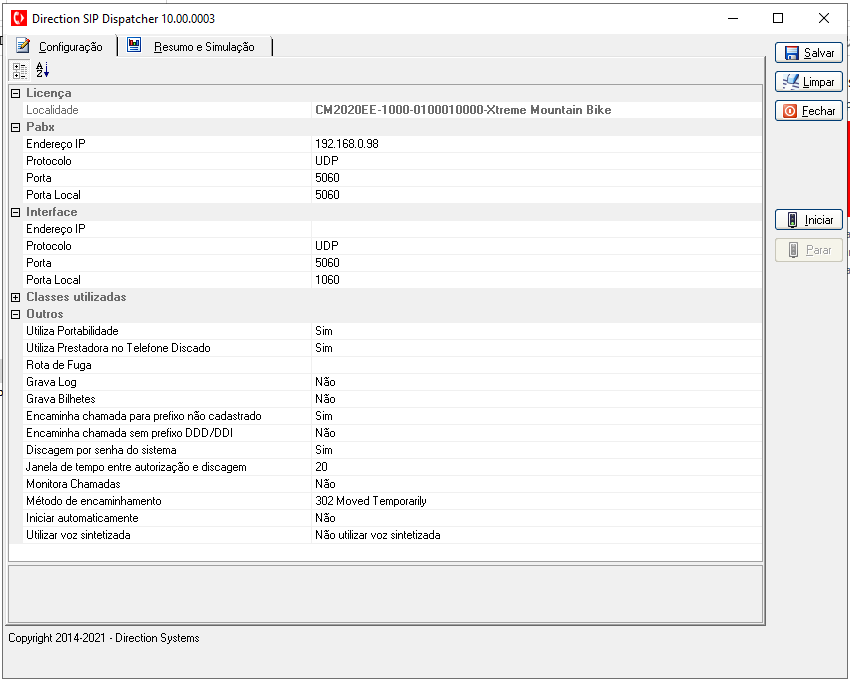
The SIP Dispatcher is the application of the Integration Module suite responsible for configuring, translating and forwarding the communications of the SIP protocol, including the least cost route, number portability, password dialing and voice communication of the Credit Module.
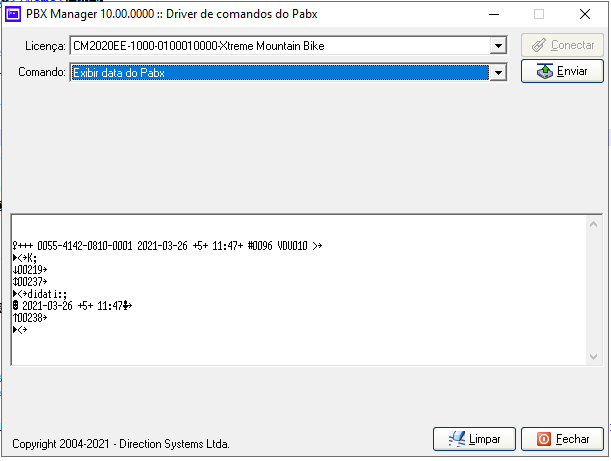
The PBX Manager allows you to execute commands on compatible equipment, with the main functions of Checkin (extension release) and Checkout (extension block).

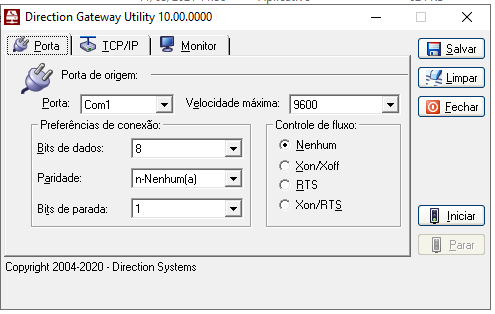
Used by companies that have serial equipment and want to perform long distance access, it converts data sent via IP to the computer that runs it, redirecting this data for serial communication and vice versa.

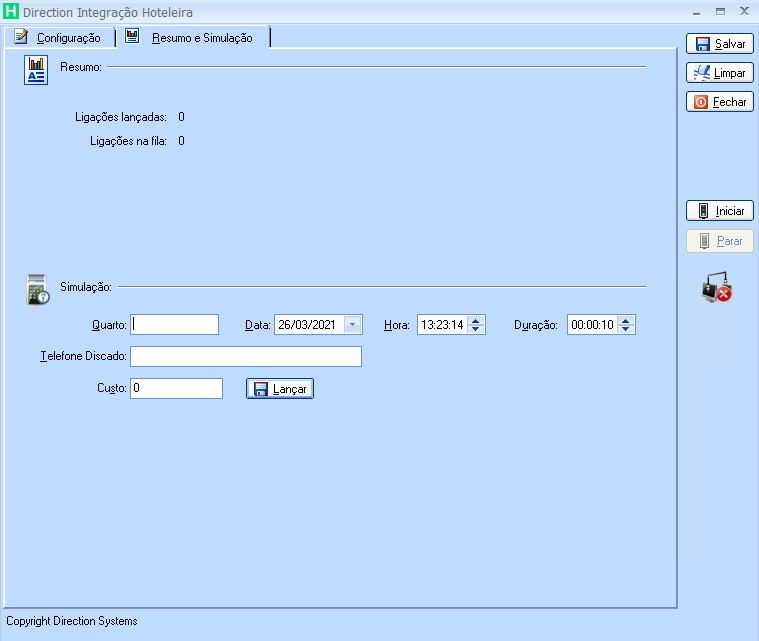
The Hotel Integration Module allows CallManager to integrate with hotel software available on the market. It fully supports the Micros/Fidelio FIAS protocol and connects CallManager with the hotel property management system (PMS). The module establishes communication through a proprietary protocol that enables data transfer between both systems.

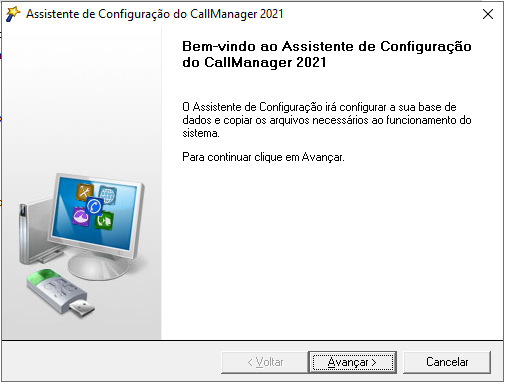
The Configuration Assistant is responsible for installing and configuring CallManager licenses. It is the first application that must be run before the actual use of the system.
This module is native to the system and is not optional. It is composed of the main applications of the suite and is responsible for collecting tickets and charging the calls between its main functions.

The FDCR Module records all incoming calls and between internal extensions, being a differential for customers who have 0800 or condominiums. It is essential in reconciliation to identify collect calls.

It allows to define, block, control and release credits from users' extensions through integration with approved PABX or in passive mode by sending messages to unapproved PABX. It works similar to prepaid cell phones.
Totally redesigned following the standards of WEB 2.0, it offers a friendly and intuitive interface. Using a compatible browser, users have access to the main functions of the system before only performed.

This module is responsible for the integration of CallManager with the outside world. The highlights of this module are: Hotel Integration: Allows the entry of telephone expenses directly into the guest's account. Approved for most hotel PMS, including Micros-Opera. SIP Dispatcher: It is available for PBXs that have a SIP protocol and allows the calls made to be identified and directed to the best registered route, ensuring that the company uses the lowest cost for that call. Other features included: Password dialing controlled by CallManager with voice features, voice balance, dialing based on the class of the call and the number portability basis. Integrates with the credit module without the need to send commands to the PABX.
The Audit Module is one of the most fascinating modules in CallManager and is only available in the cloud at the moment. This module serves as one of the pillars for TEM where it is possible to perform the Management of Contracts and services, Inventory Registration (Manageable Devices and Resources), Make Invoice Disputes, all from the Account presented by the Provider (Fixed, Mobile and Data) in digital medium containing the details of the calls and services used by the customer.

With the Conciliation Module it is possible to check the accounts of the operators and avoid undue charges by comparing the calls informed by the operators in FEBRABAN format or with the ticket records registered by CallManager.
Daily update with portability migrated numbers. Faithful reports in comparing call costs with operators, using, in addition to prefixes, Portability updates. Using the Integration module it is also possible to choose the route with the lowest cost and significantly reduce the cost of cell phone calls.
It makes it possible for private calls made by employees to be identified, and for them to accept the rendering of accounts generated by CallManager, ensuring for the company the knowledge of the cost of such calls and the possibility of measuring them.
To perform the data analysis, it is necessary, initially, to import into the system the detailed account made available by the operator in digital media in the format of editable text files such as txt, csv, excel. CallManager accepts Febraban standards and the operator's own standards.
The result of processing in the form of graphs and reports will be the basis for making decisions regarding mobile resources, pointing out which users have excessive expenses, or are under-using the available resources. Thus, it is possible to have a broad perspective on how the mobile phone resources are being used in the company.
For companies that provide telephone services and manage collections from their customers.
Programming of activities, which are automatically performed by the system on scheduled dates.
Some of the activities that can be scheduled are: Backup scheduling; activation, scheduling and blocking of credits; sending reports and logs, reorganizing data.
Through unified registrations that are automatically registered and replicated to all locations.
 Save user preferences in the call panel, allowing periods to be defined for filtering displayed data. Favorite option added to the web top bar. New online grid option in the phone call grid. Data import made available for User, Directory, Customer and Resource records. High-cost call notifications. Budget registration on the web. Hotel integration failure notification (DIH). Polling with different time and interval settings for the same computer. TCP/IP IS3000 collection using redundancy with up to 3 IPs. HTTP/HTTPS collection implementation. New task "Notify absence of phone calls" - Sends an email notification when no calls are found in the period and frequency defined by the task. New task "Update Dashboard" - Updates the dashboard for monitoring call collection, import and hotel integration. Option to run the configuration wizard by command line with the -p argument pointing to the default license file path, useful for installations performed on a drive different from the Windows installation drive. Integration with the TOTVS hotel management system. License status monitoring for each application.
CallManager passes stamps that certify the high degree of compatibility with Microsoft solutions.
Know the certifications and compatibility of the system:



The customer purchases the software for perpetual use, at a cost based on the edition of the system and the range of extensions. The optional modules and the maintenance contract are purchased separately as required by the customer.

The Rental agreement includes all system modules and applications and the services of the maintenance contract. In this modality there is no need for initial disbursement to acquire the license, which is not for perpetual use, and can only be used during the contract period.

In the SaaS (Software as a Service) mode, the customer is not concerned with licensing aspects and all the infrastructure necessary for the software to function is maintained by Direction.
The configuration and basic management of CallManager is carried out by Direction and the customer has access to information using the internet as a means of access. NetBuffer V, can be used to collect information from PBX;
Mobile (Cellular) Telephony benefits a lot from this model as it does not require collection equipment (IP PBX or NetBuffer)
Shipped in closed functionality packages. Scope definition is very important when it comes to marketing.
During the period of the maintenance contract, the customer is entitled to a version update at no cost.
The basic service package includes:
Rental of CallManager software and maintenance contract;
“Hosting” services (hosting) of the CallManager software and the customer's database on Direction's servers;
All software licenses required for the system to function on the servers (Windows, SQL Server, etc.);
Use of Direction infrastructure of Clustered servers of high availability and performance in an environment with high data security;
Real-time backup services on disk and tape;
Provision of Internet address with secure access via SSL (optional) and password;
Installation, configuration and migration of customer data (provided it is made available in digital media such as: .csv files, text or Excel spreadsheets);
Rental of NetBuffer V (optional);
Management of CallManager by Direction.
Scenarios where centralization and automation help turn telecommunications data into decisions.
Unify records, rules and information from different locations for centralized management.
Monitor usage, costs, credits and exceptions with automated reports and alerts.
Connect telephone expenses, hotel systems and billing resources to existing processes.
CallManager supports fixed, mobile and data network management with billing, control, analysis, auditing and reporting resources.
Yes. CallManager SaaS keeps the required infrastructure at Direction and provides access to information over the internet.
Yes. Available modules include integrations with PBXs, hotel systems, SIP protocols and other processes described on this page.
The definition considers extensions, features, integrations and the commercial model. Direction's commercial team can help size the appropriate configuration.
Talk to Direction about the structure, integrations, modules and commercial model that best fit your scenario.