Lower infrastructure workload
Reduce internal server and maintenance activities.
Direction service
Our cloud solution for Telecommunications Management, Billing, Audit and TEM
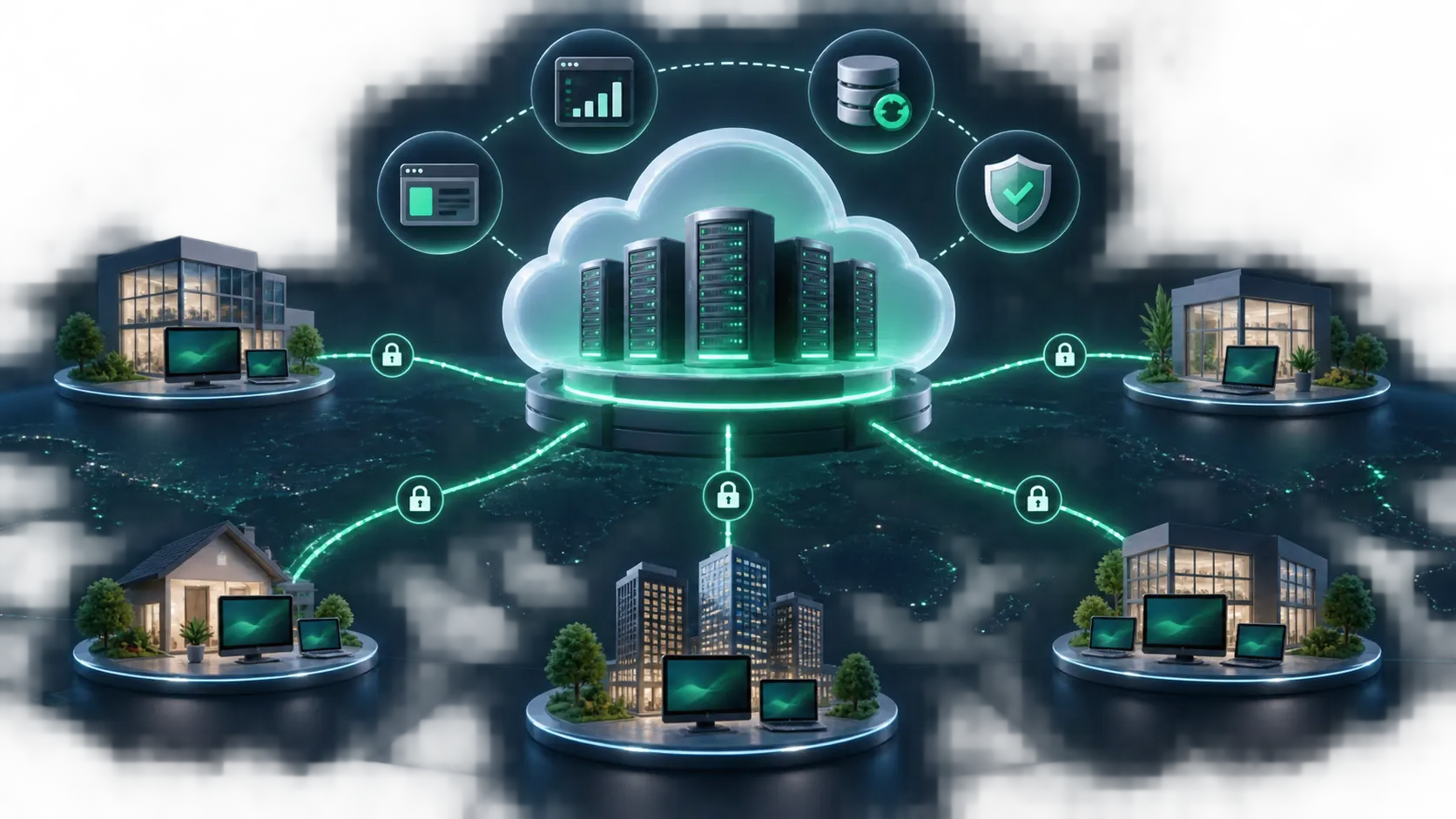
Software as a service is a term that has appeared frequently in the media lately, coming from the English acronym SaaS (Software as a Service). To use a very simple explanation, we can define 'software implemented as a hosted service, which can be accessed and used via the internet'.
However, the implications of this definition are broad, mainly at three points: licensing, location and management.
In the traditional software model, the customer acquires a license to use and pays a fee, most of the time an annual maintenance fee for this license, which entitles them to upgrades and support. In the SaaS model, however, there is no acquisition, only a periodic subscription is required to use the software. This has interesting implications for the cash flow of the company that uses a SaaS, since the periodic subscription costs for software offered as a service tend to be much lower than the licensing costs of traditional software.
The second point to be considered is the location, that is, where it is and how the software is accessed. In the conventional model, it is installed in the company, often with a copy installed on each employee's machine. In some cases, the software uses a client-server architecture in which the data stays on the server and is accessed by copies of the software that are able to manipulate that data. Many ERP, CRM software vendors, including Direction's CallManager and TollManager software use this architecture. On the other hand, in SaaS, the software is installed in an infrastructure provider, which has plenty of servers and internet connectivity, and the software is accessed via the internet, usually through a browser. The implications of this point are enormous, since the cost of installing and maintaining the software is considerably minimized, but on the other hand, both the SaaS provider and the software user will have to have good internet connectivity.
Finally, the issue of management. In the traditional model, who manages all aspects of the software is the internal IT team, which is concerned with the management of servers, infrastructure and the software itself, including installation, updating and maintenance of the software. In SaaS, the internal IT team's only responsibility is to configure the software, leaving the management of servers, infrastructure and even installing and maintaining the software on behalf of the service provider, who is responsible for the quality of the service provided through SLA (Service Level Agreement).
The advantages are clear for companies using SaaS. The most immediate is cost reduction, since much of the IT infrastructure management is outsourced to the IT provider. Another advantage, not always considered is the freedom to test the software before purchasing, since most providers offer a demo option, or the software at such affordable prices and with low implementation costs, that it is possible to take the test software for a month or two before deciding to use it effectively.
This model includes the following services:
Cloud management
Direction hosts and maintains the environment for online access.
Reduce internal server and maintenance activities.
Access information through contracted web resources.
Rely on hosting and maintenance according to contract scope.
Combine core and optional services.
For telecom management with hosted infrastructure.
Transfer infrastructure operations to Direction.
Centralize access from different locations.
Define modules and services as needed.
Direction manages infrastructure and maintenance according to contract scope.
Contracted web resources are accessed online with defined credentials.
Yes. The described core scope includes CallManager rental and maintenance.
Deployment, migration, analysis, integrations and custom reports.
Assess scope, integrations and deployment with Direction.